خلّوا نافذة الخمس ساعات في Claude Code تبلّش قبل الشغل
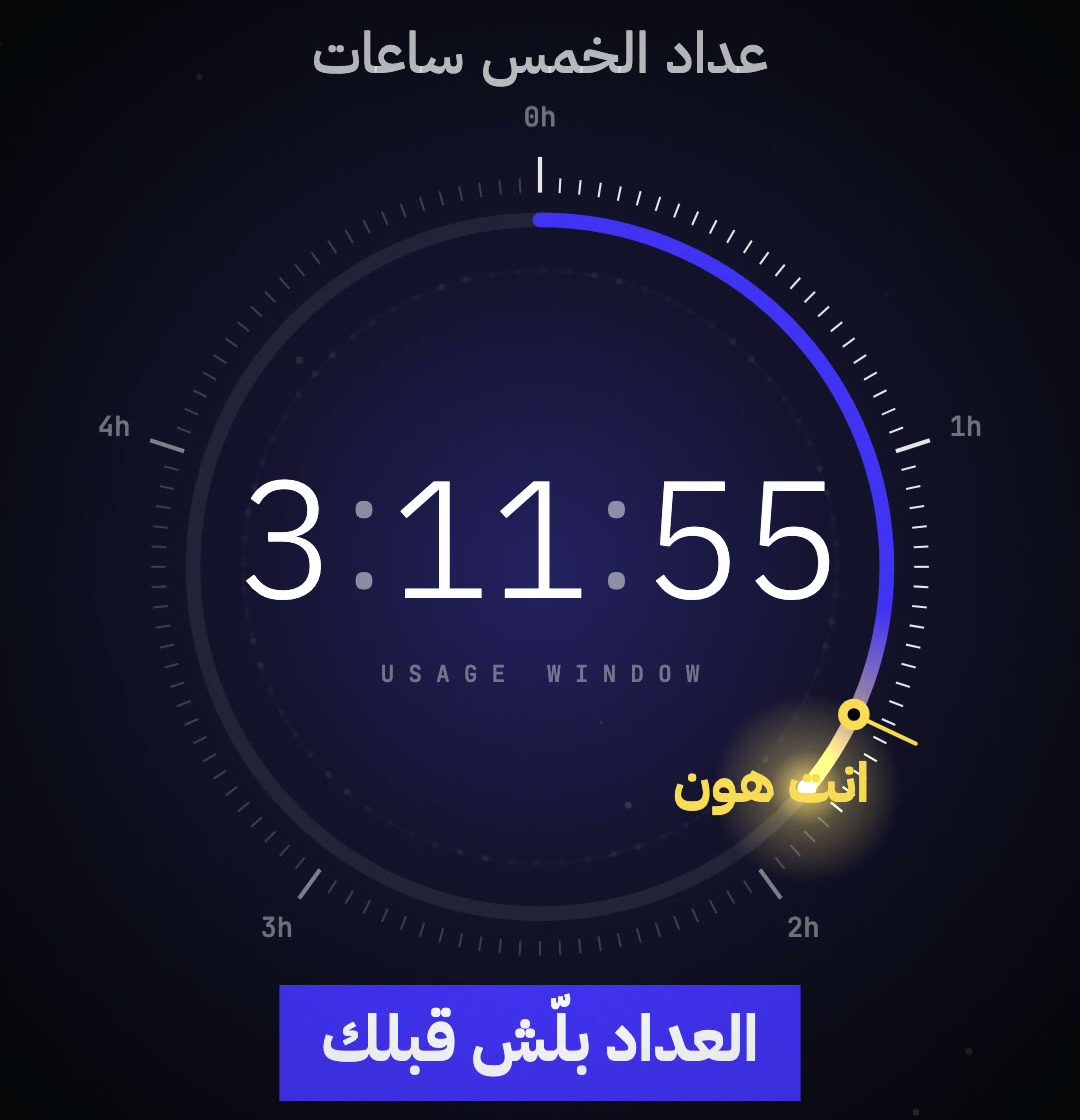
خلّوا أتمتة تبعث رسالة صغيرة كل خمس ساعات، عشان نافذة استخدام Claude Code تبلّش قبل ما تقعدوا تشتغلوا.
الفكرة إنكم تجهّزوا رسالة دورية قبل موعد الشغل بدل ما تبدأوا الانتظار وقت ما تفتحوا الجلسة. هذا ما بلغي حد الاستخدام ولا بزيده، بس ممكن يقلّل وقت الانتظار لما ترجعوا، حسب حسابكم وطريقة تشغيل الجدولة.
الخطوة 1: افتحوا Claude Code
افتحوا تطبيق Claude أو Claude.ai واختاروا Claude Code. بعدها ابعثوا له البرومبت الجاي عشان يجهّز أتمتة keep-warm برسالة قصيرة كل خمس ساعات.
الخطوة 2: انسخوا البرومبت كامل
انسخوا هذا البرومبت كامل والصقوه في Claude Code:
Set up a Claude Code cloud Routine that pings Claude every 5 hours, so my 5-hour usage window is usually already running when I come back.
Use cloud Routines: /schedule in the Claude Code CLI, or claude.ai/code/routines → New routine → Cloud. Do NOT use local cron, launchd, /loop, Desktop "Local" tasks, or anything that needs my computer on.
Settings:
- Name: 5h window warm-up ping
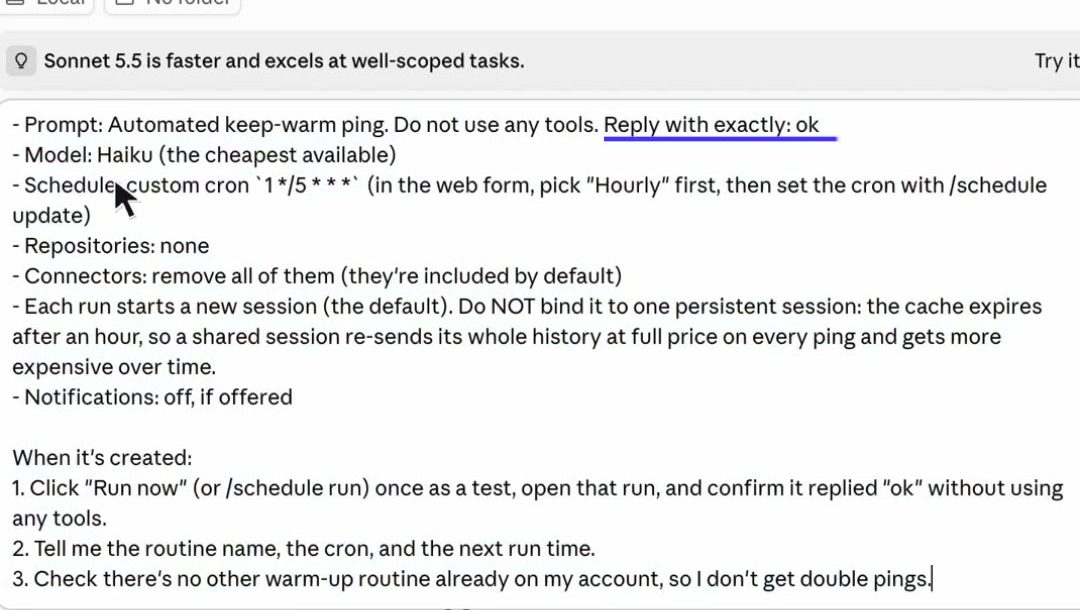
- Prompt: Automated keep-warm ping. Do not use any tools. Reply with exactly: ok
- Model: Haiku (the cheapest available)
- Schedule: custom cron `1 */5 * * *` (in the web form, pick "Hourly" first, then set the cron with /schedule update)
- Repositories: none
- Connectors: remove all of them (they're included by default)
- Each run starts a new session (the default). Do NOT bind it to one persistent session: the cache expires after an hour, so a shared session re-sends its whole history at full price on every ping and gets more expensive over time.
- Notifications: off, if offered
When it's created:
1. Click "Run now" (or /schedule run) once as a test, open that run, and confirm it replied "ok" without using any tools.
2. Tell me the routine name, the cron, and the next run time.
3. Check there's no other warm-up routine already on my account, so I don't get double pings.
الخطوة 3: جرّبوا الأتمتة مرة
بعد ما تنعمل، شغّلوا Run now مرة للاختبار، وافتحوا التشغيل وتأكدوا إنه ردّ ok من غير ما يستخدم أدوات. خلوه يرجعلكم باسم الأتمتة، والجدول، وموعد التشغيل الجاي. وتأكدوا ما في أتمتة warm-up ثانية شغالة على الحساب عشان ما توصلكم رسالتين.
مهم: الرسالة الدورية ما بتتجاوز حد Claude ولا بتضمن استخدام إضافي أو إعادة ضبط بوقت محدد. البرومبت نفسه بطلب إرسال ping كل خمس ساعات، فراجعوا إعداد الحساب والجدول قبل ما تتركوا الأتمتة شغالة.
إذا بدكم نطبّق الفكرة على شغلكم ونطلع بنظام عملي تقدروا تستخدموه، احجز جلسة فردية معي.
احجز جلسة 1:1